
Tools, Firmware Files and Updates
File tools
Tools → Log conversion converts ASC/BLF. Choose input/output, run, and check both converted and skipped counts. UART text logs are not supported inputs.
For a BLF file with a truncated tail, conversion writes the complete recovered frames and reports an incomplete file tail in Information. The output contains only those recovered records.
Tools → Code Gen accepts DBC/LDF, selected nodes, a module name, and output folder to generate C/header files. It does not compile or flash them.
FirmwareConvert handles HEX, S-Record, and BIN information, conversion, merge, fill, delete, insert, and checksum insertion. BIN base addresses must match the target project. Keep original inputs and write separate outputs. This tool neither creates encrypted BeiniLink RBL packages nor flashes BeiniLink itself.
| File | Purpose |
|---|---|
.blproj | Complete host configuration |
.blcan / .bllin | CAN Sender / LIN schedule rows |
.dbc / .ldf | Bus databases |
.asc / .blf | Bus captures |
.log | UART text records |
.py / main.py | MCU scripts |
.FLM.o | Target programming algorithm object |
App / Boot .bin | Raw images for the matching production/recovery workflow |
.rbl | Packaged application update for supported device update workflows |
Renaming BIN to RBL does not create an update. Identical version strings can refer to different builds: compare release information, compile time, and checksums.
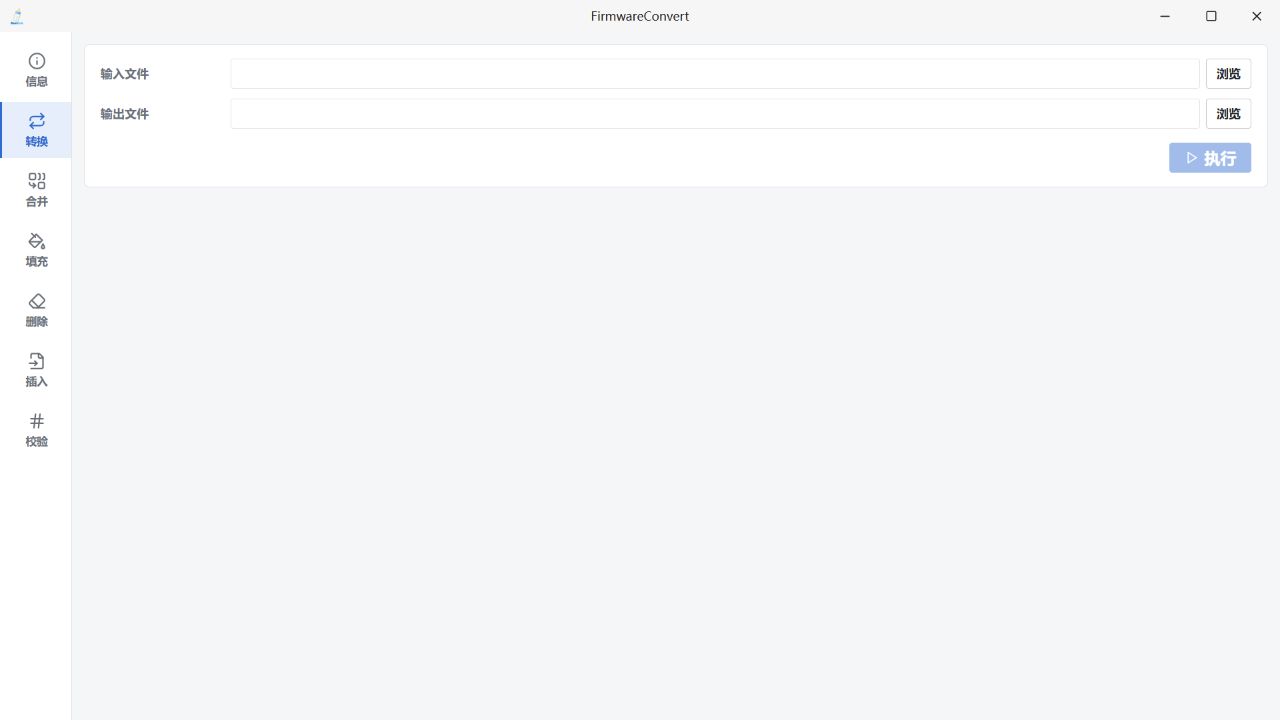
FirmwareConvert format conversion view. It does not create or flash BeiniLink RBL update packages. Chinese UI.
Supported disk updates
Stop measurement/scripts, back up required files, and use a released RBL matching the hardware and Boot/App contract. Copy it completely to the BeiniLink drive and wait for processing. Do not unplug, reset, or format during writes.
After USB re-enumeration, refresh devices, check bridge versions and App build information, then test communication. Copy completion alone does not prove the new application booted.
If all ports and the disk remain missing, collect FBL startup logs through the matching recovery workflow instead of trying unrelated packages.
Software reset
Home's device reset action stops measurement, replay, and logs before requesting an MCU reset. It does not automatically restart measurement.
The firmware must implement the command; the version string alone is insufficient. All USB interfaces may briefly disconnect. Missing USB or an unresponsive MCU prevents software recovery and requires hardware reset or the matching ROM/FBL procedure.