
Overview
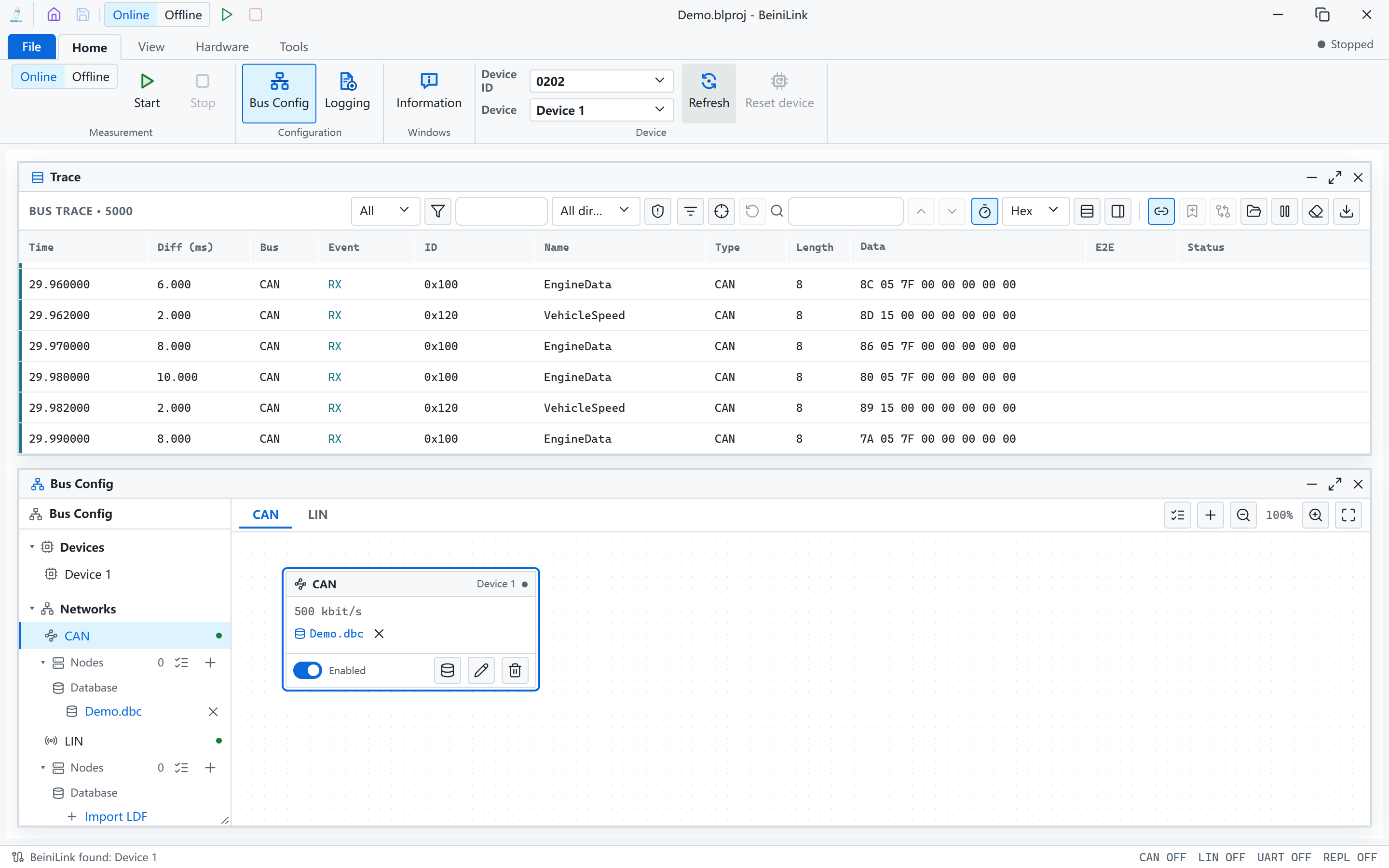
BeiniLink combines a USB bus device with a Windows desktop application for automotive electronics development and bench debugging. Connect a device under test, observe bus traffic, simulate other nodes, log and replay data, and automate tests with scripts.
Use cases
| Use case | What BeiniLink does |
|---|---|
| ECU development | Send stimulus frames and view responses by signal |
| Bench tests with missing nodes | Simulate nodes and periodic messages from a DBC or LDF |
| LIN network debugging | Run schedules as master, or respond as slave |
| MeLiBu lighting debugging | Import an MBDF, edit transmit frames, run schedules and scripts |
| Reproducing and analyzing issues | Record logs, replay them onto the bus, or analyze offline |
| Test automation | Organize tests with variables, panels and scripts |
| Custom development | Connect beinilink-cli to CI, test benches and your own tools |
| AI-assisted changes | Let AI tools change project configuration, control measurement and read results |
What's included
| Item | Description |
|---|---|
| BeiniLink device | Connects over USB and provides CAN, LIN, MeLiBu and UART interfaces |
| Desktop application | Windows software that configures the device and displays and records data |
beinilink-cli | Command-line tool installed with the application |
| Example projects | Starter projects for each interface, see Download |
Package contents: [TBC]
Supported interfaces
| Interface | Capabilities |
|---|---|
| CAN / CAN FD | Send, receive, listen-only, periodic transmit, node simulation |
| LIN | Master, slave, LDF schedules |
| MeLiBu | MBDF import, Trace decoding, send, schedules and scripts |
| UART | Serial communication, plus UART utility modes on the CAN and LIN channels |
| Python | Simple Python scripts and REPL on the device |
| E2E | CAN transmit protection and CAN and LIN receive checks |
| Programming and flashing | CMSIS-DAP and FLM algorithms for target chips, LIN, CAN or CAN FD for products with a built-in bootloader |
See Hardware for parameters, Features for the complete list, and Developers for the command line and AI interface.
System requirements
- Operating system: Windows x64
- Connection: USB
- Applies to: desktop application 2.1.2
Minimum Windows version: [TBC]