
Quick Start
Available features depend on the installed software and firmware versions. Read the manual offline from the start page's Documentation entry.
First measurement
- Connect BeiniLink over USB and open the application.
- Create a project and save it as
.blproj. - Select Device 1, Device 2, etc. on the Hardware tab. Refresh if needed. Device labels are not fixed COM port numbers.
- Add the required modules from Hardware and match the target's communication parameters.
- Connect the bus signals and reference ground, and power the target.
- Start measurement. Check each port opening result in Information, then observe Trace or UART Trace.
- Test a manual frame before enabling periodic traffic.
- Stop measurement, wait for Stopped, and save the project.
To replay a log without a device, add an offline replay in Bus Configuration, select Offline on Home, and start. Measurement stops when playback finishes.
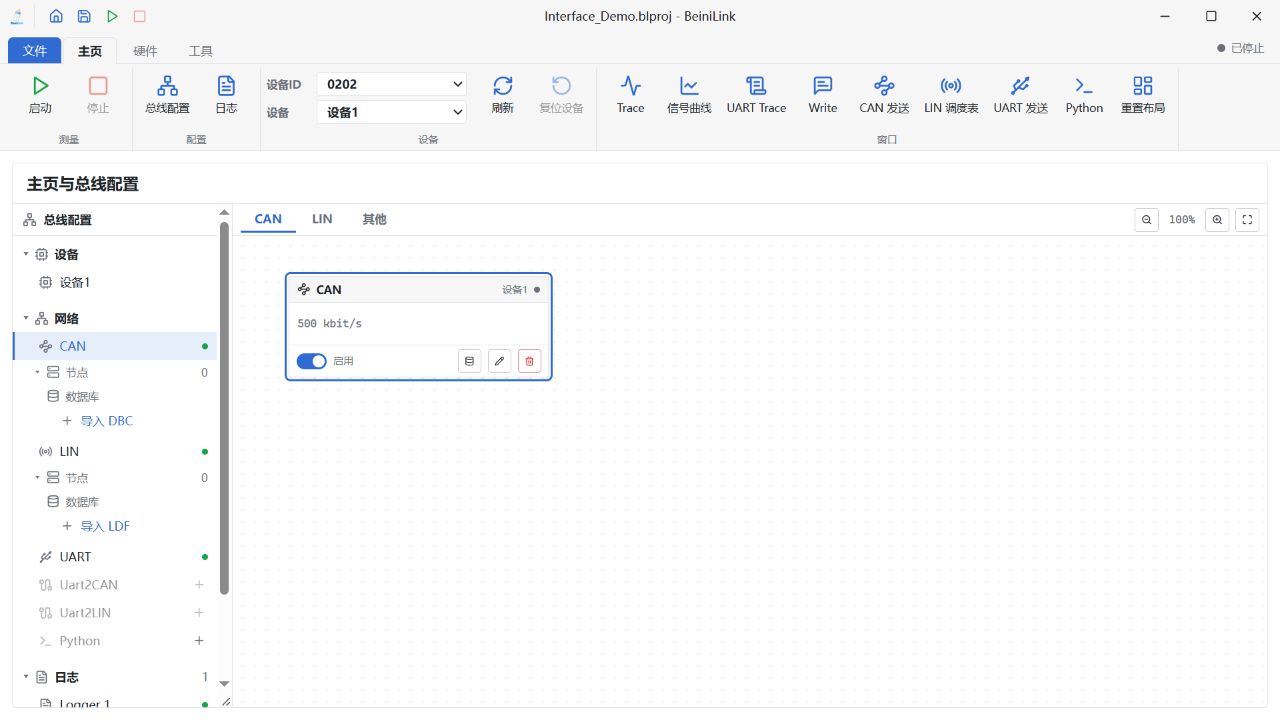
Home and bus configuration example. Chinese UI, with example project and device state; no hardware connected.
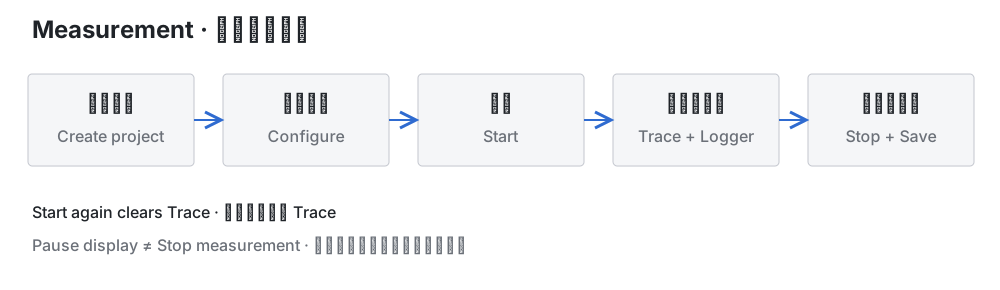
Measurement workflow. Starting again clears Trace; pausing the display does not stop acquisition or logging.
Minimal CAN test
Configure CAN at 500 kbit/s, select classic CAN, and turn listen-only off. In CAN Sender, click the ID envelope icon to add a manual frame with ID 555 and data 01 02 03 04 05 06 07 08. Start and send the row. Verify TX in Trace and reception at the peer.
New CAN modules default to an FD data-rate configuration: explicitly select classic CAN for a classic-only test. Normal transmission requires a correctly configured peer capable of acknowledging frames.
Status and saving
Started (1/2) means only one of two requested modules opened. Opening a port does not prove successful bus communication.
Device disconnection or a CAN timeout that closes the channel stops measurement. Reconnection does not restart it. Starting again clears bus Trace and starts a new time origin.
A title marked * has unsaved changes. Save, Don't save, and Cancel control project changes on close. A project stores configuration, not full traffic history. Databases, replay logs, and scripts must be supplied separately when moving a project.